STACKWORKS APPS / Everyday tools
スクショ帖
Turn a screenshot pile into useful notes
Read screenshot text on your iPhone to sort receipts, bookings, codes, maps, messages and shopping pages. Interface, sample content and classification clues are available in 12 languages. Text recognition depends on the languages supported by your device; on-device AI also depends on the device, language and model availability. Rules are used when AI is unavailable.
See the store for current pricing and requirements.
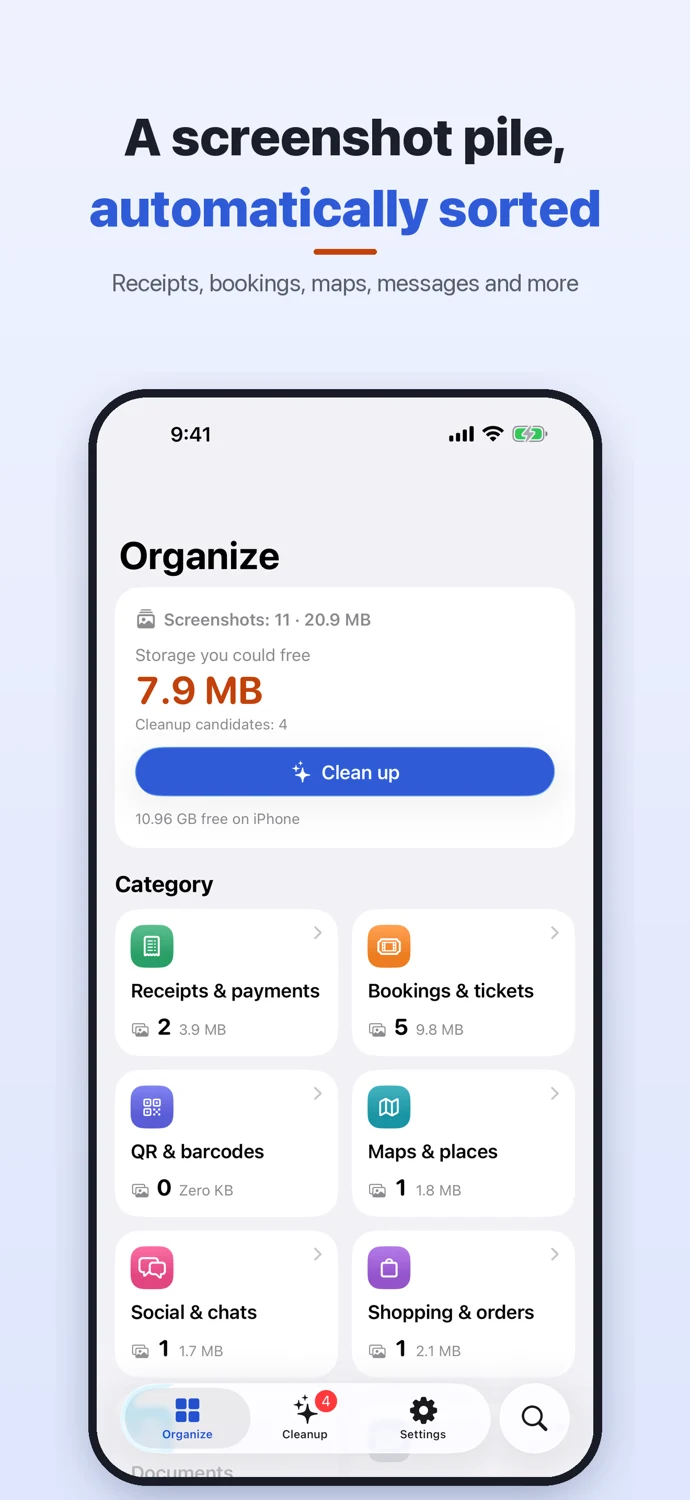
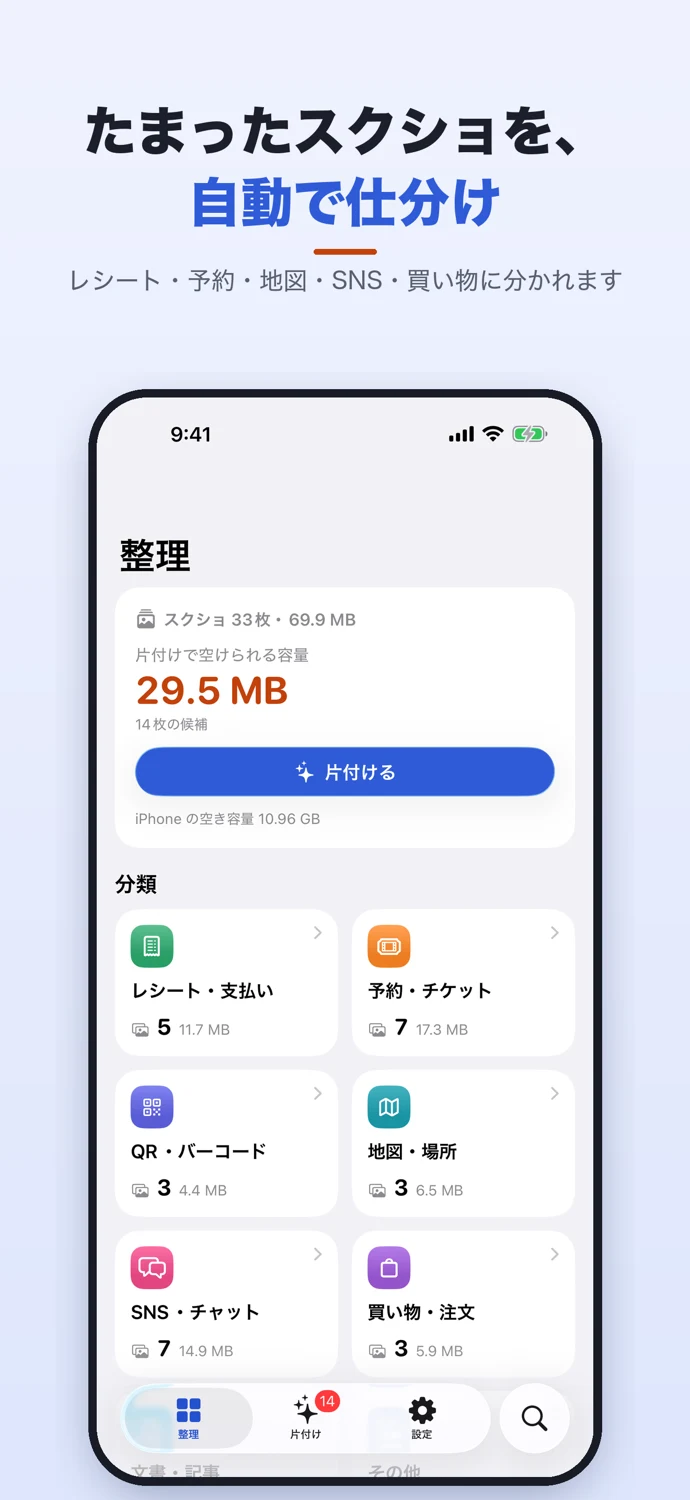
APP SCREENS
A closer look at the app.
Tap an image to view it full size.
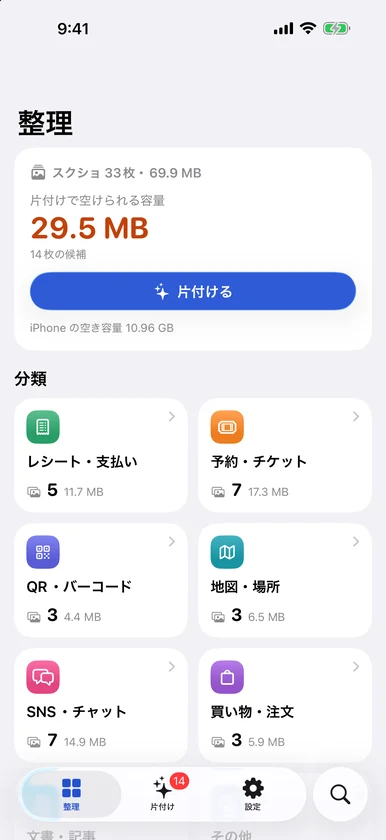
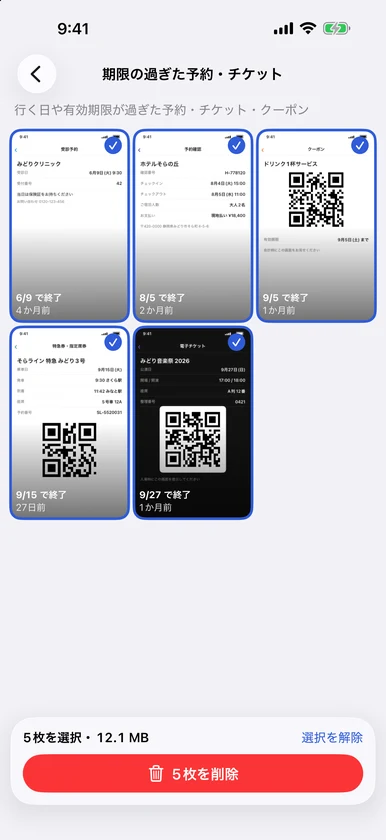
Review, then clean up
Find expired bookings and duplicates, see the estimated space, and choose what to delete. Deletion always requires your selection and an iOS confirmation. Favorites and screenshots marked Keep are excluded from cleanup suggestions.
Use what is inside
Copy booking numbers, open links, call phone numbers and send recognized booking dates to the Calendar editor. Check important details against the original screenshot. Address extraction currently covers Japanese addresses and common English street formats.
Organize more with Plus
Plus adds text search, suggestions for similar and old screenshots, custom categories, albums, receipt CSV export and widgets. It supports Family Sharing.
Keep currencies separate
Explicit currencies are recognized using ISO currency codes and their decimal places. Ambiguous currency symbols are kept as unspecified amounts and excluded from totals and receipt CSV export. Different currencies are never added together or converted.
Processed on your iPhone
No account, ads or analytics. Recognition and classification happen on your iPhone. The app stores results, not image copies. Apple may retrieve originals from iCloud Photos when needed. Try localized samples without changing your Photos library.
SUPPORT & CONTACT
Contact
For questions, bug reports, or requests, please use the contact form.
You can also email us at contact@stack-works.dev.