STACKWORKS APPS / Everyday tools
モノの住所帳
A place for every item.
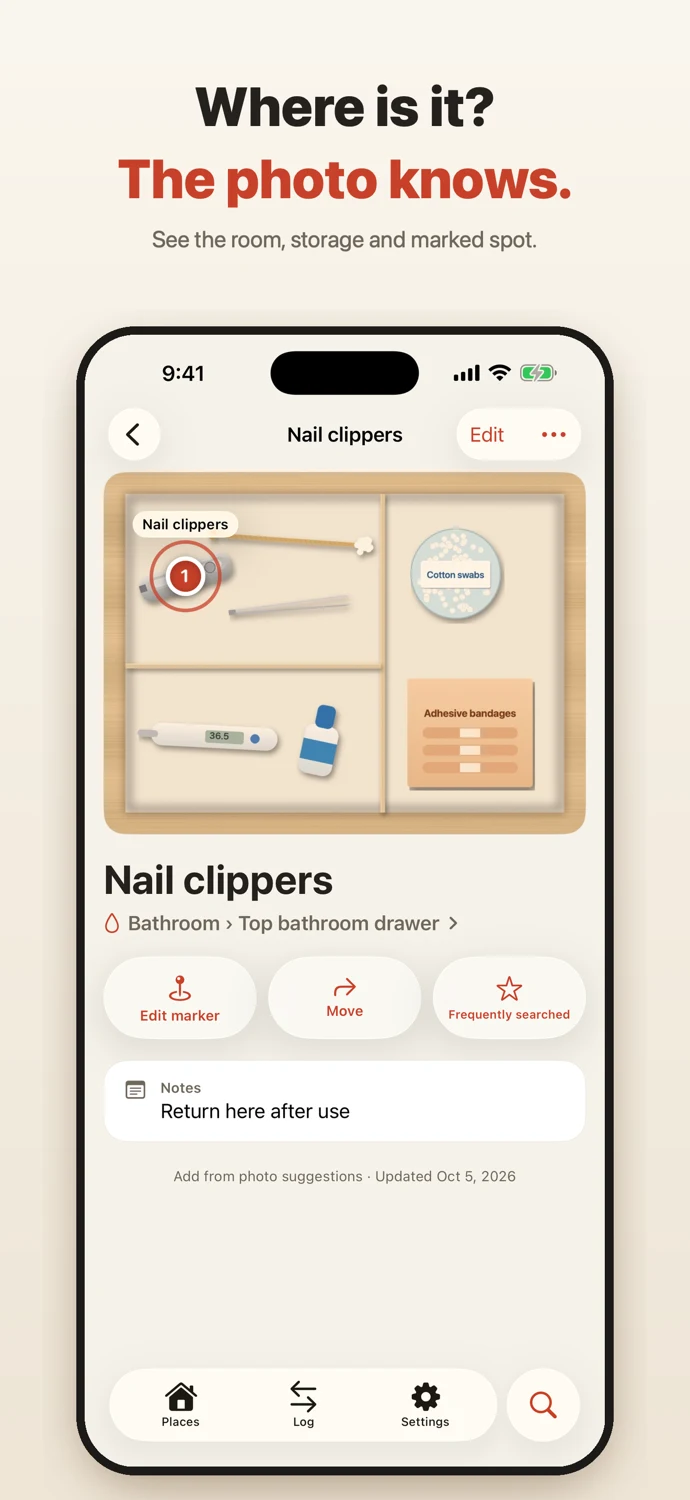
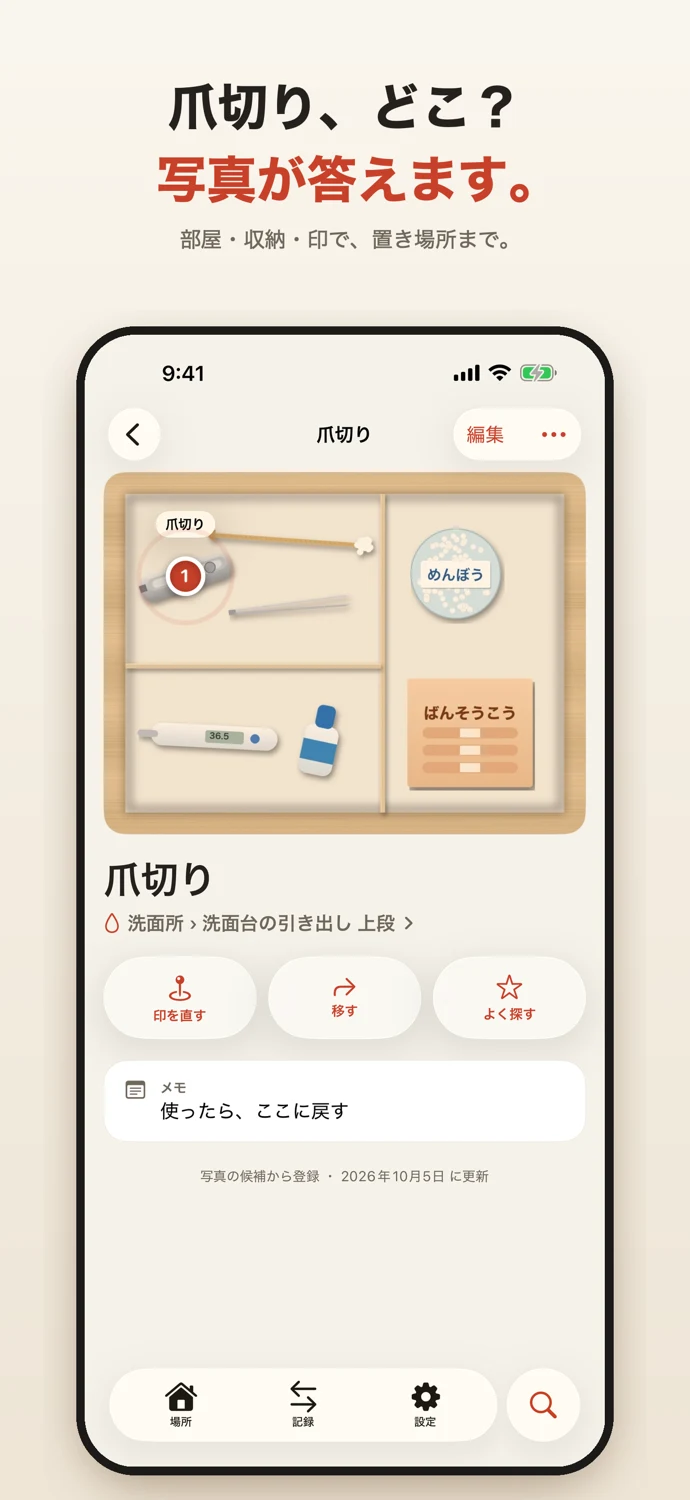
"Where are the nail clippers?" Solved with a photo. Mono Address is an address book for the things in your home: take photos of your drawers and shelves, and when you search, you get the photo and the exact place: home, room, storage and even the spot inside it.
See the store for current pricing and requirements.
APP SCREENS
A closer look at the app.
Tap an image to view it full size.
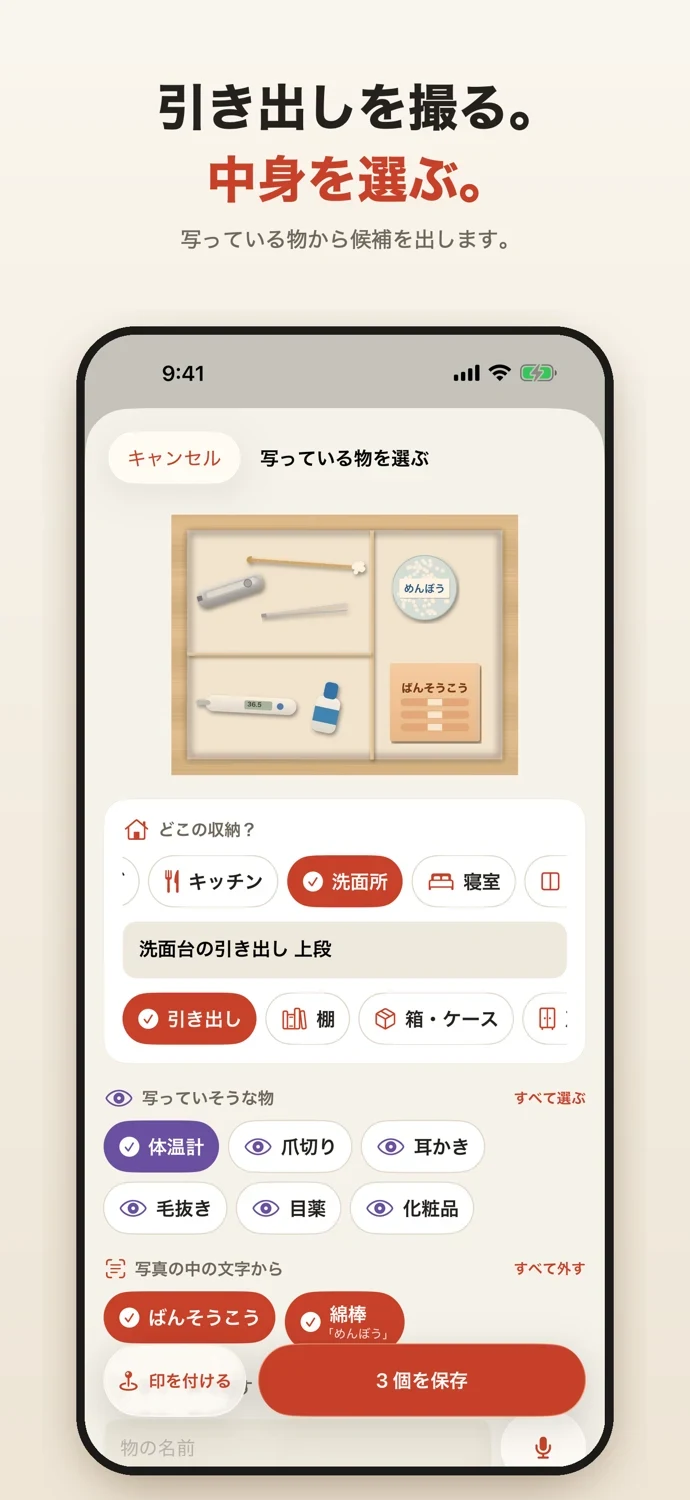
Just take a photo
• Photograph a drawer or shelf and the app suggests what's inside. Tap to add Text on box labels and drawers is read too, and becomes a suggestion Photos are analyzed on your iPhone only and never sent anywhere Add hidden items by typing or by voice ("nail clippers, cotton swabs, thermometer") Suggestions depend on how you take the photo. Shoot in good light, from straight above with the drawer fully open
Pins on the photo
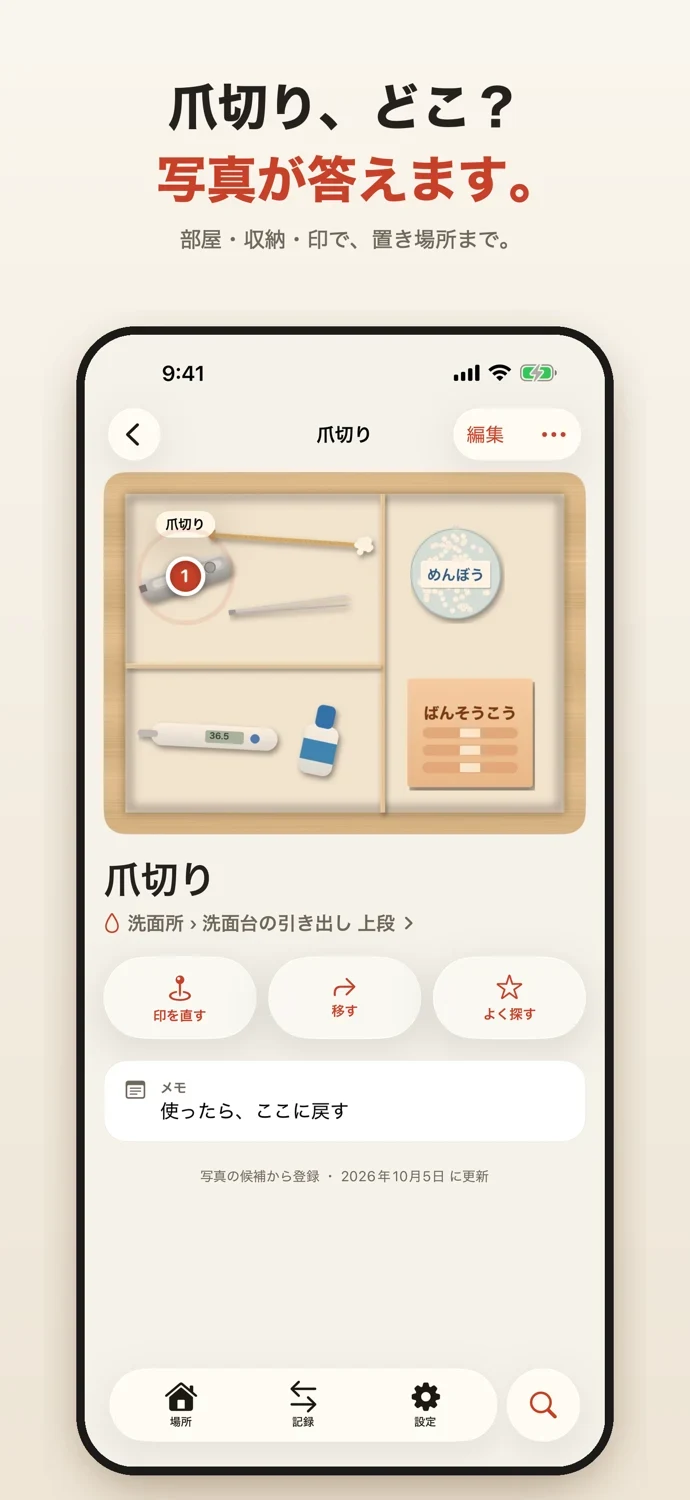
• Put a pin where each item is. Items found from text are pinned at that text automatically Search results show a close-up around the pin
Found whatever you call it
• Search using common household names and alternative names Add your family's own names for things as aliases On supported devices, on-device AI suggests alternative words to widen the search Search also looks at text in photos and your notes Ask Siri or Shortcuts "where is ..." and get the place with a photo. Items also appear in Spotlight. Voice, AI and recognition features depend on device and language support
One address book for the whole family
• Invite family through iCloud to see and add items in the same home. No account registration
Seasonal items, lending and favorites
• Record when seasonal items such as fans, holiday decorations and winter clothes go out and get put away Note what you lent to or borrowed from whom, and when Frequently searched items are always on the search screen
Your data stays with you
• Photos and items are stored only on this iPhone and in your iCloud, and sync between your devices Names and notes use iCloud encrypted fields No ads and no analytics Export your list as CSV
Mono Address Plus
With Plus, you can share with family, keep more than one home (your parents' house, a storage unit and more), get reminders for return dates and seasonal items, use Home Screen widgets, and export a list with photos as PDF. Family Sharing is supported. Items, photos, search, Siri, Spotlight, sync and CSV work without limits, with or without Plus. Invited family members can join without Plus.
SUPPORT & CONTACT
Contact
For questions, bug reports, or requests, please use the contact form.
You can also email us at contact@stack-works.dev.